Swipe or use arrow keys
Film your space once. Pcha puts a model in it.
Wearing your stock, in photos and videos that look like a real shoot. No photographer, no model fees, no studio hire.
 Your space
 Your item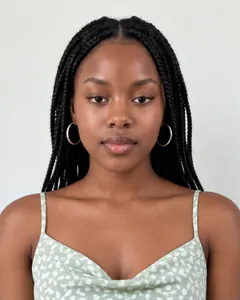
- Your real space, kept as it is.
- Photos, plus videos up to 15 seconds.
- Save a look, then drop your next item in.
From KES 699 · Pay with M-Pesa · No subscription
Make your model once. Use them in every post.
Same model. Every post. Your brand.


- Use a real personOne clear photo of you, or of someone who's agreed.
- Make one upChoose how they look. Pcha creates them.
From one photo to a week of posts.
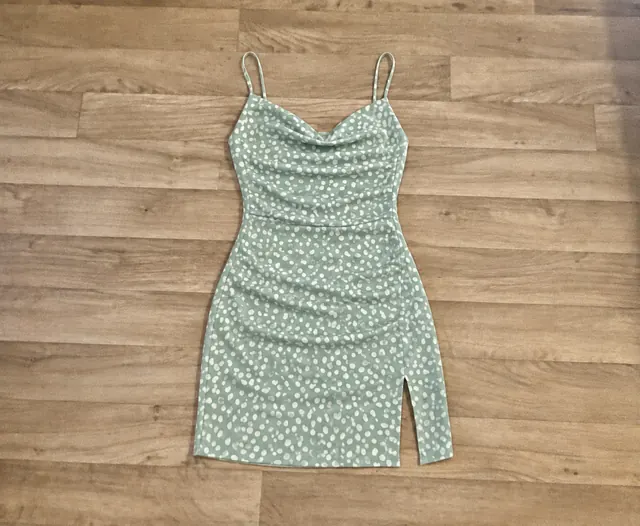
- Pick your model.Your own, or one Pcha picks.
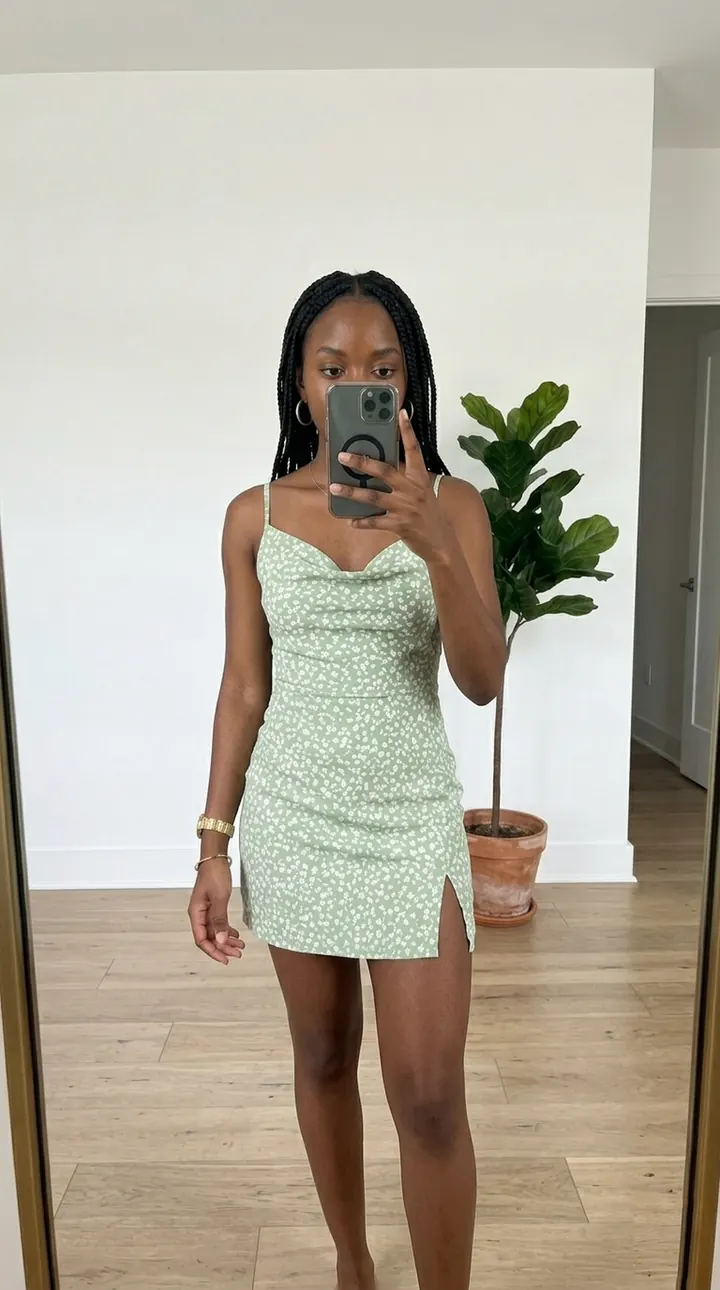
- Post them, or have them posted.Your assistant captions and schedules a week of posts.


You reply to customers. Pcha handles the posting.
Pay As You Go
Purchase tokens once, keep them forever. No monthly subscriptions.
Accepting Cards & Mobile Money
Starter Pack
KES 699
50 tokens
Up to 50 images
or
Up to 2 videos
- Tokens never expire
- Full commercial rights
- Download & share to socials instantly
Most Popular
Growth Pack
KES 1,999
150 tokens
Up to 150 images
or
Up to 7 videos
- Tokens never expire
- Full commercial rights
- Download & share to socials instantly
Best Value
Scale Pack
KES 4,999
400 tokens
Up to 400 images
or
Up to 20 videos
- Tokens never expire
- Full commercial rights
- Download & share to socials instantly
Power Users
Power Pack
KES 14,999
1,200 tokens
Up to 1,200 images
or
Up to 60 videos
- Tokens never expire
- Full commercial rights
- Download & share to socials instantly
Your next shoot starts with one photo.
From KES 699 · Pay with M-Pesa · No subscription